|
SmartDraft® Polyline Tools Assist the Operator to:
 Create a Polyline over existing objects Create a Polyline over existing objects
- Change the starting point of a closed Polyline
- Modify the (bulge) arc factor of all segments in a Polyline
- Create Polyline with Arcs
- Add, Modify, or Remove an Arc from a selected Polyline segment
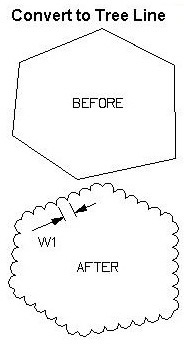
- Convert an Arc, Line, or Polyline to a Tree / Brush line
- Add vertices to a Polyline
- Turn the PLINEGEN attribute of Polylines to "on"
- Modify the width of Polylines
- Join Arcs, Lines, Polylines, and Text Strings
- Join Arcs, Lines, and 2D Polylines with gap tolerance
- Join Arcs, Lines, and Polylines on the same layer and at the same elevation
- Convert 3D Polyline to 2D Polyline
- Convert 2D Polyline to 3D Polyline
- Convert a Spline to a 2D or 3D Polyline
- Create a legal description from a selected Polyline
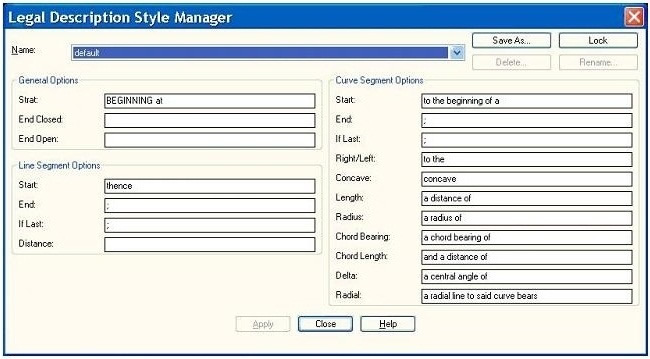
- Create and modify legal description styles to be used with the Legal Description Report commands
- Reverse Polyline direction
|