





Layer Tools


Layer Tools
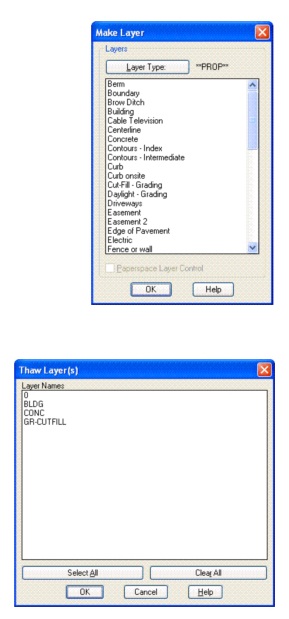
· Create new layer from SmartDraft’s layer database.
· Change the layer type. Cycle layer type between Proposed, Existing, and Demolition.
· Manage layer settings. Save and restore layer configurations settings.
· Thaw layers currently frozen from a dialog box.
· Freeze an object's layer inside a block or external reference by selecting it.
· Modify the layer property of object(s) to the layer property of another object
· With the Layer control, you can make a layer current, view the layer of a selected object, and change an object's layer. You can also change a layer's properties by clicking on the icons in the Layer control.
· Turn layers on or off.
· Freeze or thaw layers in all viewports.
· Freeze or thaw layers in the current viewport.
· Lock or unlock layers.
· Show the color assigned to a layer.
 
Layer Tools II
· Set an object's layer current.
· Isolate object's layer.
· Restore layers after Isolate Layer.
· Rename a layer.
· List the layer names of objects at the command prompt.
· Inquire layer name within blocks or external references.
· Load custom linetypes.
· Delete all the objects on selected layers.